 TrackPrac
Android early access
Your practice.
Our next chapter.
Help shape TrackPrac for Android. Keep your VALORANT practice in one place, and tell us what would make it better.
Join the Android betaFree to use. No ads. Personal tracking needs no app account.
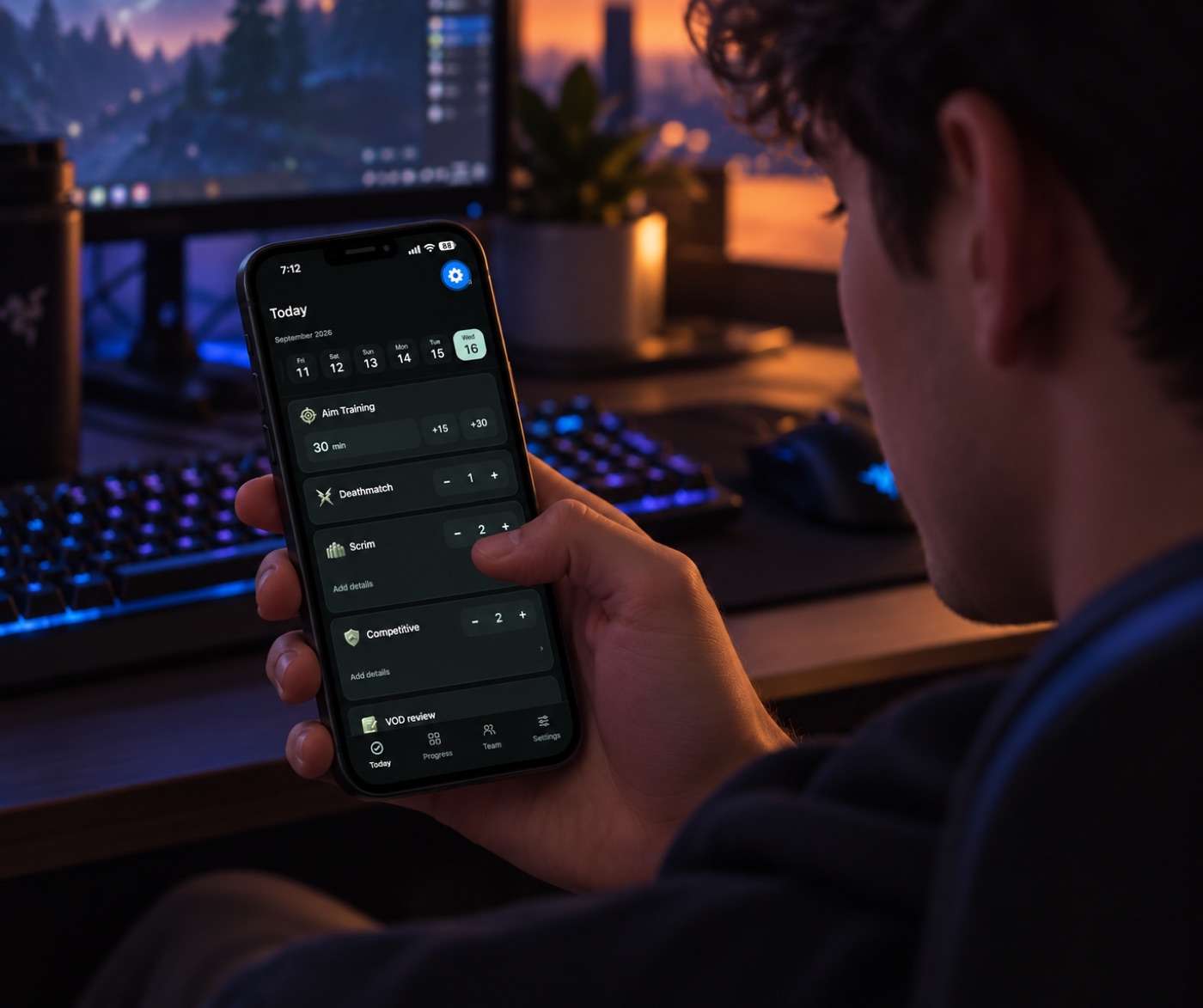
Log Aim Training, Deathmatch, matches and VOD notes as you practice.
Use the app during your practice and stay opted in for at least 14 consecutive days.
Something confusing or missing? Your feedback helps decide what we fix next.
Get started
Three steps. All through Google.
Use the same Google account for the group, the test and the Play Store on your Android device.
-
Join the tester group
Open the group, sign in to Google if prompted, then choose “Join group”. No need to send us your email or wait for an invitation.
Join Google Group (opens in a new tab) groups.google.com -
Become a tester
On Google Play, choose “Become a tester” to opt in. Joining the group alone does not enroll you in the test.
Enable early access (opens in a new tab) play.google.com -
Make it part of your practice
Install TrackPrac from Google Play, log your next practice, and see your week take shape.
Install on Google Play (opens in a new tab) play.google.com
The Google Group gives you access during closed testing. You don’t need to email us to join. Group owners can see your membership email.
Built with your feedback
Tell us where it gets in your way
Could you log a practice without getting stuck? Did anything look wrong? What would bring you back tomorrow?
A short description, your Android model and a screenshot help us investigate. Please leave out private codes and personal information. You can also send private feedback through Google Play.
Before you join
Why do I have to join a Google Group?
TrackPrac is in Google Play closed testing. The group controls who can access this version. Sign in to Google on the group’s About page, then choose “Join group”. Next, opt in on Google Play. Both steps are required. The group’s conversations are private to members, so opening Conversations before joining may show a permission message.
Do I need a TrackPrac account?
No. Personal practice works on your device without signing in, including offline. Sign in only if you want to sync practice between devices or use Teams. Your Google testing membership does not create a TrackPrac account.
What am I committing to?
Please stay in the tester group and remain opted in to the Play test for at least 14 consecutive days. Use TrackPrac during your normal practice and share honest feedback. You can leave whenever you need to.
Google Play says the app isn’t available. What now?
Check that you joined the tester group and opted in using the same Google account selected in your phone’s Play Store. If it still won’t open, contact us with the error you see.
Can I try it on iPhone or my computer?
This beta is for Android. You can use the web app now or join the iPhone waitlist.
Made by Brillness Studio. Read our privacy policy.